
LINK CABLE
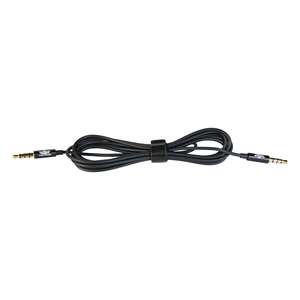
Flight Sounds Link Cable Want an intercom with more channels ? Now you can!
0
0
- Connect two DUALPRO or FUSIONs together!
- Using two Link Cables - simply:
- Connect the Intercom Link IN port on the first Intercom, with the Intercom Link OUT on the second Intercom. Then,
- Connect the Intercom Link OUT port on the first Intercom, with the Intercom Link IN on the second Intercom.
- TWO Link Cables is required to connect two DUALPROs/FUSIONs
- Use the Link cable to also connect the DUALPRO to a Speaker
- Black 2m audio cable.
A great accessory for DUAL PRO / FUSION owners wanting to expand their intercom system
NB: Each DUALPRO/FUSION comes with a single LINK cable
×