
Q2 QIDI Cool Plate Pro
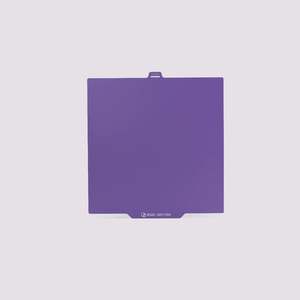
- 1. After printing, please wait a few minutes for the platform to cool before removing the print. If the model does not detach completely automatically, remove the cold-print plate from the printer and gently bend the platform. Use flexibility to separate the bottom of the model from the platform. Never use a metal spatula to pry it off forcefully, as this may scratch the surface coating.
- 2. Increasing the temperature of the heated bed can enhance adhesion. The temperature of the heated bed needs to be adjusted according to its specific requirements to achieve the optimal level of adhesion.
- 3. Cold-print plates provide good adhesion without the need for adhesives or frequent cleaning. For heavily soiled surfaces, you can clean them with water and detergent. Do not use organic solvents (especially acetone) to clean the build plates, as they will damage the surface.
- 4. Build plates are consumables and will age over time. The warranty only covers manufacturing defects and does not cover cosmetic damage such as scratches, dents, or cracks. Only sheets that are defective upon arrival are covered under warranty.